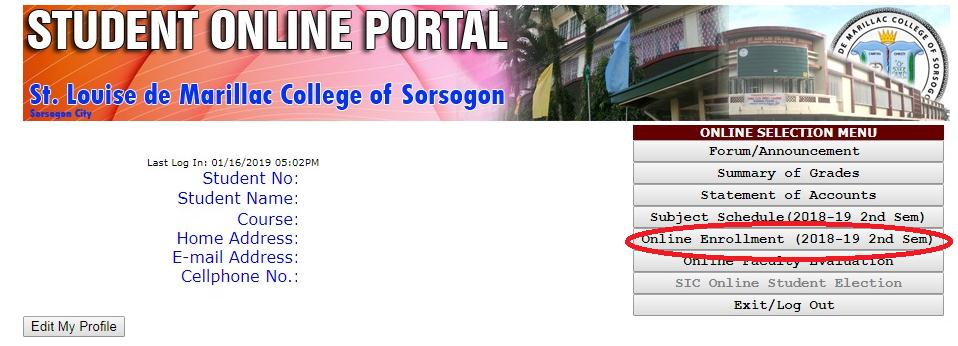
Student Portal Enrollment Procedure

FOR OLD STUDENTS

SLMCSI Online Enrollment means that the encoding of courses by a regular student, whose academic courses have been pre-advised by the respective Dean/Program Chairperson, can be done wherever there is Internet access, even off-campus, considering the procedures below:

Proceed first to the SLMCSI website by clicking the link here: slmcsi.edu.ph
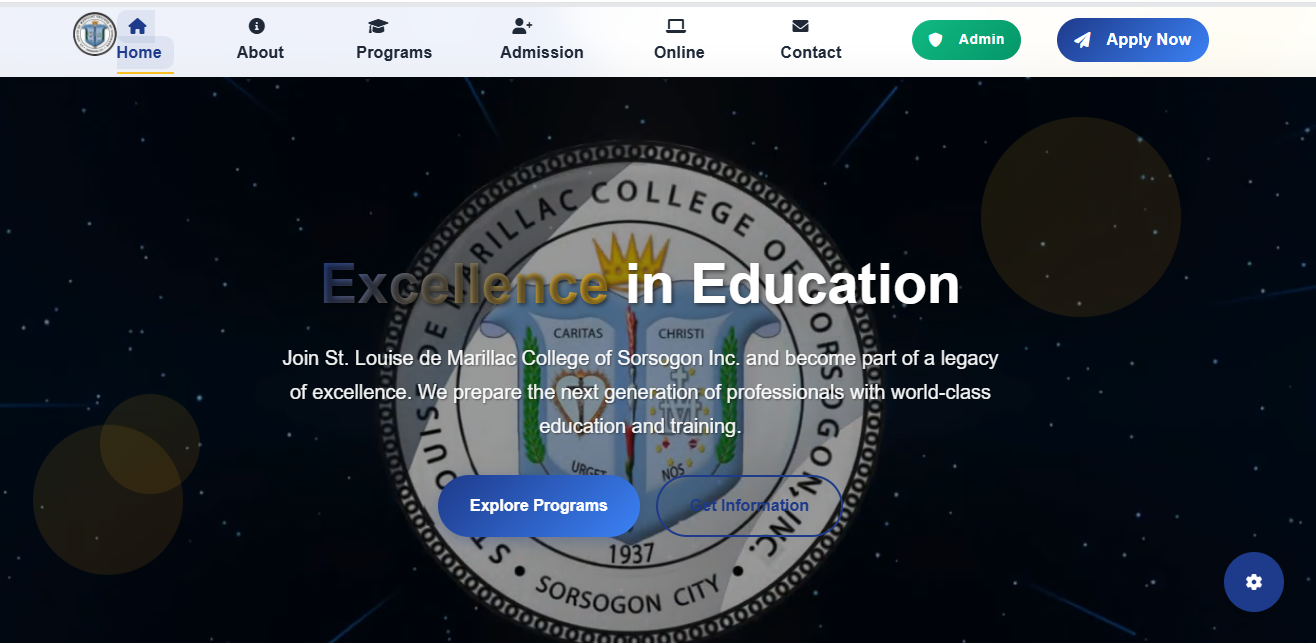
SLMCSI Website
Find the ONLINE SERVICES section and proceed to the Student Portal by clicking the button as shown on the image below.
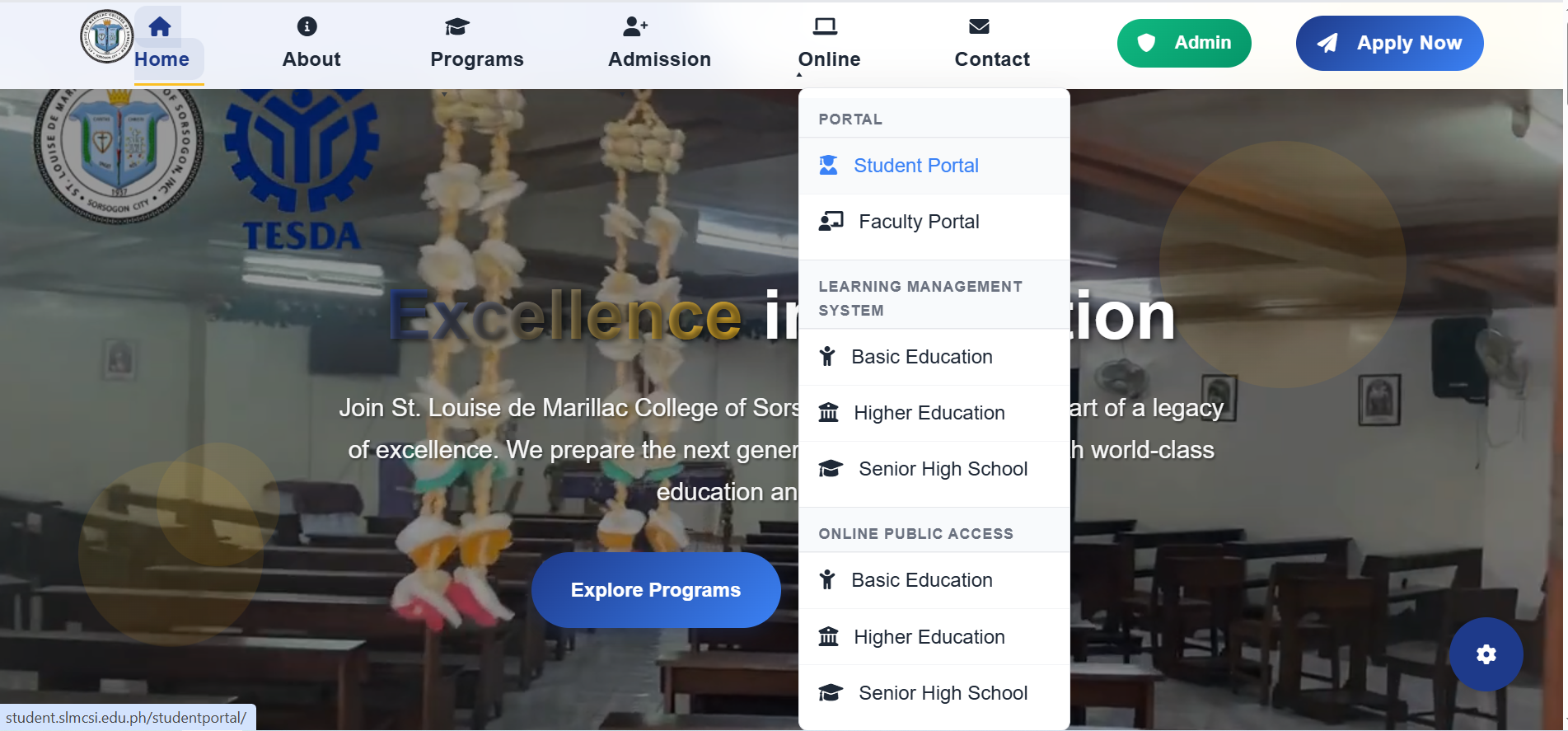
Online Services Section
Click the Online Enrollment button
Online Enrollment Button
Proceed by filling up the blank fields:
Year Level
Enter your email address (required)
Enter your cellphone number (required)
Click the checkbox of the subjects you want to enroll.
For block sections, just click the appropriate Course Code: eg: BSN-1A
For irregular students, select the appropriate subject Code: eg: RE-101-A
Click View Matriculation button.
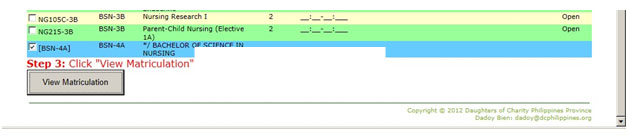
Subject Selection
Click Save and Send to Dean's Office for Approval button.
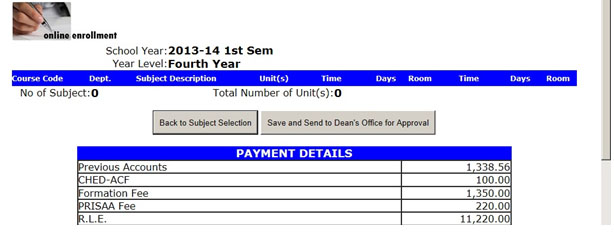
Submit for Approval
Please Note:
You may click Back to Subject Selection button if changes will be made.
A text message will be sent to the Dean informing of a pending Enrollment Approval.
Approval of Online Enrollment
Please Note:
You will receive a text message once your enrollment has been approved by the Office of the Dean.
Payment at the Accounting Office
IMPORTANT: For a successful Online Enrollment you are advised to settle your accounts at the Accounting Office within 3 days, excluding Saturdays, Sundays, and Holidays, to avoid forfeiture of your enrollment slot.
Confirmation of successful Online Enrollment
Please Note:
You will receive a text message confirming that you are officially enrolled.
Print your registration form. This serves as your Certificate of Matriculation/Registration to the School.
NOTE:

For the Admission Requirements click the button below:

ADMISSION REQUIREMENTS